
Hanging monkey milestone photo
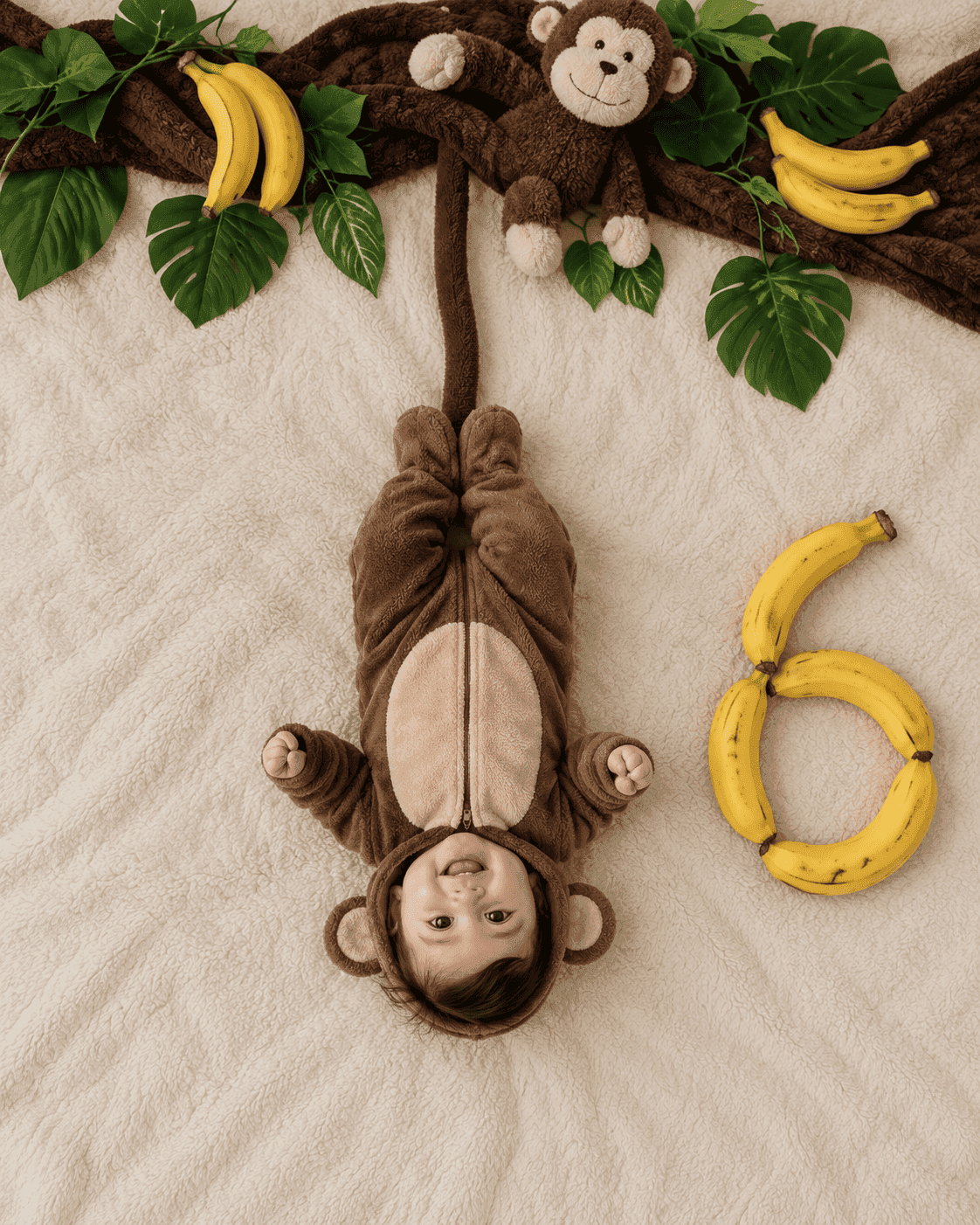
An overhead shot of your baby upside down in a monkey onesie, hanging from a fabric branch, with the month number spelled out in bananas.
- Needs your baby’s photo
- flat lay
- overhead
- jungle
- props
- number
- dress up
- playful
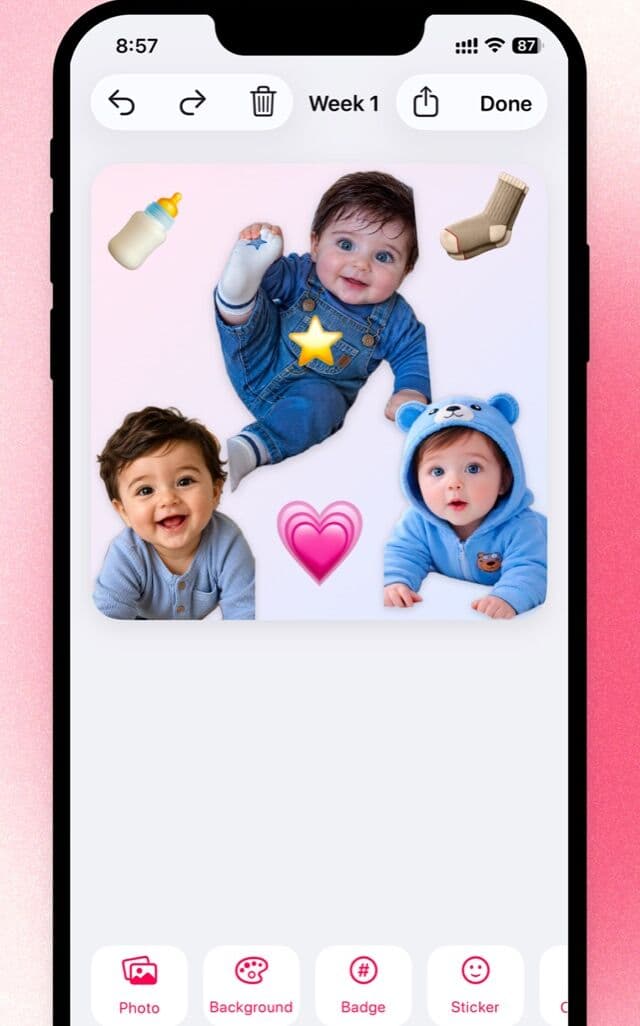
Lift your baby out, on the phone
The hanging pose needs a clean cut around the arms. Little does that part on the device, with no upload.

Free to download · iPhone and iPad · Photos never leave your device
The prompt
Create an extremely realistic professional baby milestone photograph using the provided reference image as the composition and scene reference, and the uploaded baby photo as the exact identity reference.

BABY IDENTITY:

Use the uploaded baby photo as the exact identity reference for the baby.

Preserve the baby's recognizable identity and facial characteristics, including face shape, eyes, nose, mouth, cheeks, skin tone, hair, and natural proportions.

The baby must look like the actual baby from the uploaded photograph, not a generic AI-generated baby.

Do not change the baby's identity.

COMPOSITION — VERY IMPORTANT:

Recreate the reference image's composition, spatial relationships, camera angle, scale, and overall visual concept as closely as possible.

Use a direct 90-degree overhead camera angle.

The baby should be positioned relatively FAR from the camera and occupy only the central portion of the overall frame.

The baby is lying comfortably on their back but is oriented UPSIDE DOWN RELATIVE TO THE VIEWER:

- The baby's head is toward the BOTTOM of the image.
- The baby's feet and legs point toward the TOP of the image.
- The baby's face is clearly visible.
- The entire baby is visible from head to feet.
- The baby's face should remain naturally recognizable and undistorted.

Do NOT rotate the baby into a normal upright orientation.

Do NOT make the baby fill the frame.

Leave substantial surrounding space around the baby, matching the reference.

MONKEY OUTFIT:

Dress the baby in a realistic full-body brown monkey onesie.

The outfit should include:

- Soft brown or warm tan fabric.
- Long sleeves.
- Full-length legs.
- A small hood with rounded monkey ears.
- A subtle lighter-colored belly area.
- Realistic seams and stitching.
- Natural fabric folds.
- Soft cotton or fleece texture.

The outfit should look like a real commercially available baby onesie rather than a theatrical costume.

Keep the monkey design cute, subtle, and believable.

MONKEY BRANCH / TREE:

Across the TOP portion of the image, recreate the large dark-brown branch/tree structure from the reference.

Use a long, naturally wrinkled dark-brown fabric-covered branch extending horizontally across the upper portion of the frame.

The branch should look like a playful homemade photography prop rather than a digitally generated tree.

Add realistic green leaves around the branch.

Place a small realistic brown monkey plush toy near the upper portion of the branch.

The monkey plush should have realistic soft fur, natural proportions, and subtle imperfections.

MONKEY TAIL — CRITICAL:

A long dark-brown fabric monkey tail extends downward from the upper branch toward the baby.

The tail must create ONE CONTINUOUS VISUAL LINE from:

UPPER BRANCH → DOWNWARD TAIL → BABY'S FEET

There must be NO LARGE OR OBVIOUS GAP between the tail and the baby's feet.

The bottom end of the tail should reach the baby's feet and visually meet the monkey outfit around the feet/ankle area, closely matching the connected visual relationship shown in the reference.

The tail should appear naturally positioned alongside the baby's legs, with its end resting against or immediately beside the monkey outfit near the feet.

The tail must remain clearly visible from the branch all the way to the baby's feet.

Do not allow the tail to disappear behind the baby, props, or background.

Do not stop the tail halfway between the branch and the baby.

Do not create a separate disconnected piece of fabric.

The baby remains comfortably lying flat on the soft surface. The tail is simply part of the monkey-themed costume/photography setup and does not lift, suspend, pull, or restrain the baby.

The visual impression should closely match the playful monkey-themed reference: the monkey tail visually connects the upper branch with the baby's feet.

CRITICAL SPATIAL RELATIONSHIP:

The branch, tail, and baby's feet should form one strong visual axis through the center of the image.

The tail should extend almost continuously from the branch at the top to the baby's feet below.

The baby's feet should be positioned very close to the tail's endpoint so there is little or no visible background gap.

The tail must visually meet the baby's monkey outfit.

BANANAS:

Place several realistic yellow bananas around the monkey, leaves, and branch near the TOP portion of the composition.

Place additional bananas on the RIGHT side of the baby to create the milestone number.

MILESTONE NUMBER — VERY IMPORTANT:

Use real whole bananas to physically create the requested milestone numeral {NUMBER} on the RIGHT side of the baby.

The bananas themselves must form the complete shape of the requested numeral.

For example:

If the requested milestone is 3, arrange bananas to clearly form the numeral 3 (three).

If the requested milestone is 4, arrange bananas to clearly form the numeral 4 (four).

If the requested milestone is 6, arrange bananas to clearly form the numeral 6 (six).

If the requested milestone is 12, arrange bananas to clearly form the numerals 1 and 2 (twelve) side-by-side.

NUMBER REQUIREMENTS:

The required milestone number is {NUMBER} ({NUMBER_WORD}).

Arrange individual real bananas to physically create this exact numeral.

The number must be:

- Large.
- Complete.
- Immediately recognizable.
- Correctly shaped.
- Clearly separated from the baby.
- Positioned on the RIGHT side of the composition.
- Similar in scale to the large banana numeral in the reference.

Do not use printed numbers.

Do not digitally render the number.

Do not add text anywhere.

Do not make the bananas merely suggest the shape of the number.

The bananas themselves must clearly and intentionally form the requested numeral.

Use natural variations in banana size, curvature, color, ripeness, and orientation.

Do not make every banana perfectly identical.

REFERENCE SPATIAL ARRANGEMENT:

Match these relationships from the reference:

- Large dark-brown branch/fabric structure across the TOP.
- Green leaves surrounding the branch.
- Monkey plush near the upper portion.
- Bananas around the monkey and leaves.
- Long brown monkey tail extending downward from the branch.
- Tail visually reaching and meeting the baby's feet.
- Baby positioned BELOW the branch.
- Baby oriented UPSIDE DOWN.
- Baby's feet toward the TOP.
- Baby's head toward the BOTTOM.
- Large banana milestone numeral on the RIGHT side.
- Baby relatively small within the overall frame.
- Large amount of visible background around the setup.

Do not rearrange these major elements.

BACKGROUND:

Use a warm beige or cream-colored fabric surface covering the entire background.

The surface should have subtle real wrinkles, texture, folds, and natural imperfections.

Do not make the background perfectly smooth or sterile.

PHOTOGRAPHIC REALISM:

The final image must look like a genuine photograph taken with a real camera using a real baby, real clothing, real bananas, real leaves, real fabric, and a real plush monkey.

Prioritize authentic photographic imperfections over artificial perfection.

BABY:

- Natural skin texture.
- Subtle skin imperfections.
- Natural hair.
- Realistic facial proportions.
- Realistic hands and fingers.
- Realistic feet and toes.
- Natural expression.
- Natural body proportions.

PROPS:

- Real banana texture with small natural spots and imperfections.
- Realistic plush monkey fur.
- Real fabric fibers.
- Natural leaf texture.
- Natural wrinkles in the brown branch fabric.
- Realistic contact shadows.
- Natural object placement.
- Slight variations in size, shape, and orientation.

Avoid overly perfect surfaces.

Avoid plastic-looking skin.

Avoid excessive skin smoothing.

Avoid exaggerated facial features.

Avoid perfectly symmetrical objects.

LIGHTING:

Soft natural indoor daylight.

Gentle realistic shadows beneath the baby and all props.

Natural light falloff across the scene.

Slightly warm but accurate white balance.

No dramatic studio lighting.

No artificial glow.

No excessive HDR.

CAMERA AND PHOTOGRAPHY:

Professional full-frame DSLR or mirrorless camera.

Direct 90-degree overhead perspective.

Camera positioned far enough away to capture the entire arrangement and surrounding negative space.

Natural optical rendering.

Realistic exposure.

Natural depth of field.

Subtle photographic softness.

Portrait 4:5 composition.

AUTHENTIC REAL-PHOTOGRAPH LOOK:

The image should look like a real parent created this playful monkey-themed milestone setup at home and photographed it with a professional camera.

It should feel natural, slightly imperfect, and believable.

Avoid:

- CGI appearance.
- 3D rendering.
- Illustration.
- Plastic skin.
- Excessive sharpening.
- Excessive skin smoothing.
- Perfectly identical bananas.
- Perfectly symmetrical props.
- Floating objects.
- Impossible anatomy.
- Extra fingers or toes.
- Distorted hands or feet.
- Warped facial features.
- Artificial-looking eyes.
- Excessive saturation.
- HDR.
- Artificial bokeh.
- Cinematic color grading.
- Unrealistic shadows.
- Perfectly clean surfaces.

IMPORTANT:

Use the uploaded baby photo ONLY as the identity reference for the baby.

Use the provided reference image for the composition, baby's upside-down orientation, scale, spatial relationships, monkey theme, branch, tail, bananas, and overall visual concept.

The baby's head must remain toward the BOTTOM of the image and feet toward the TOP.

The baby must be fully clothed in the monkey onesie and comfortably lying on the surface.

The monkey tail is an essential visual element.

The tail must visibly extend from the upper branch all the way down to the baby's feet, with its endpoint visually meeting the monkey outfit near the feet.

Do not leave a noticeable gap between the tail and the baby's feet.

The banana milestone number must be clearly recognizable on the RIGHT side.

Do not add text, logos, watermarks, borders, UI elements, or extra people.

Do not include an "AI modified" label.

Do not change the baby's identity.

Do not change the requested milestone number.

The final image should look like a genuine, slightly imperfect photograph captured during a real baby milestone photoshoot.
Which AI to run it on
ChatGPT (GPT Image)Best
The one to use. This prompt is a long list of hard spatial rules — upside-down baby, unbroken tail, number on the right — and it actually reads them rather than skimming for the vibe.
Gemini (Nano Banana)Limited
Breaks on the tail and the orientation. It either rotates the baby back upright or stops the tail halfway down, and restating the rule does not fix it. Expect a lot of regenerating.
Make it yours
- Replace {NUMBER} and {NUMBER_WORD} with your baby's month and the word for it, so “5” and “five”. Both appear in the prompt and both have to match.
- The upside-down orientation is the hardest part. If the baby keeps coming out upright, generate again rather than rewording — restating the rule does not help.
- Drop the tail section entirely for the simpler version of this scene, or use the flat monkey prompt instead.
- Ask for 1:1 instead of 4:5 if the result is going straight to a square Instagram post.
More prompts
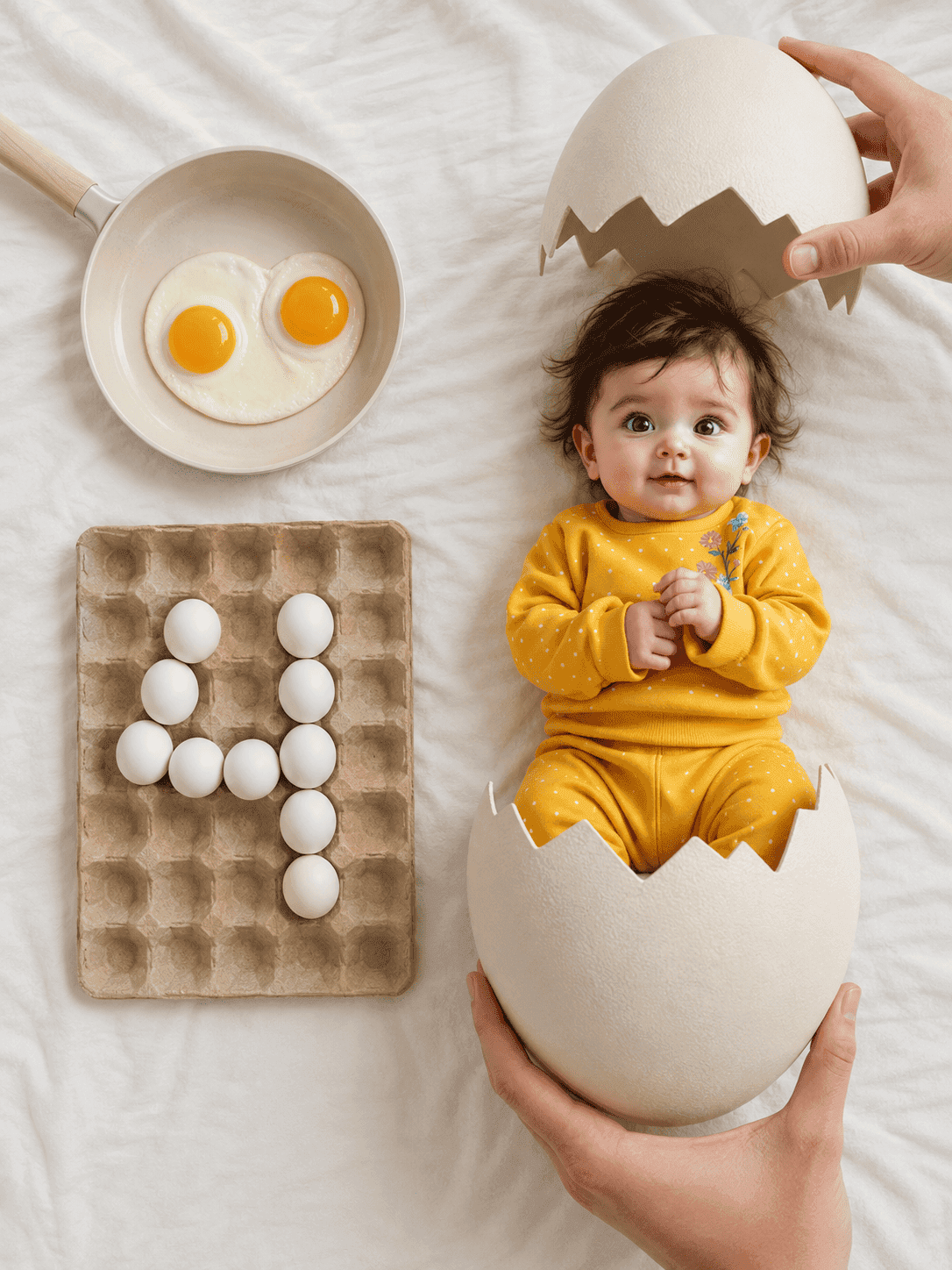
Hatching egg milestone flat lay
An overhead newborn flat lay where your baby has just hatched from a cracked egg, with the month number spelled out in eggs in a carton.
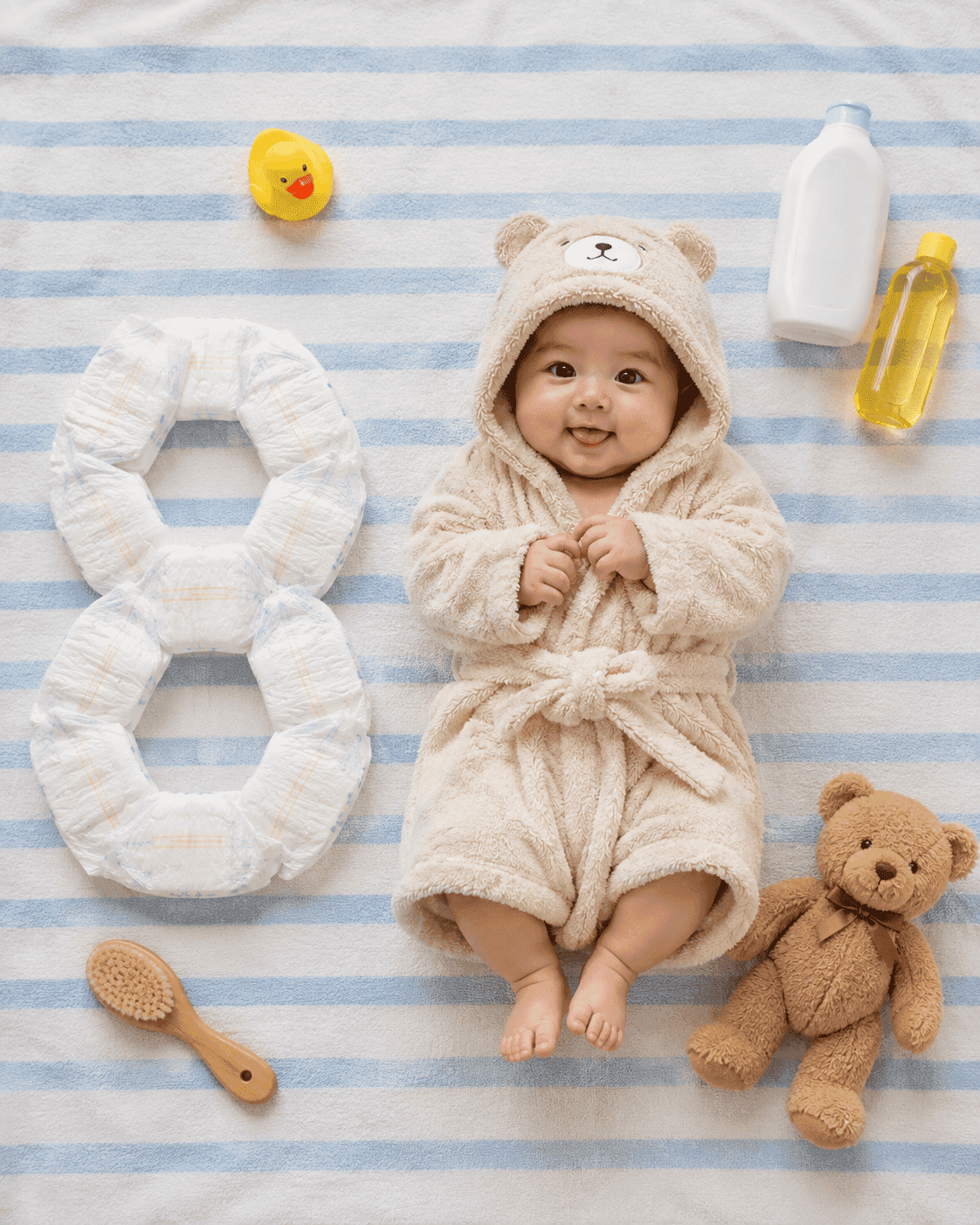
Bath essentials milestone flat lay
An overhead flat lay of your baby in a plush hooded bathrobe on a blue-and-white striped towel, with the month number built out of nappies beside them.