
Baby photo a day: how to keep it up for the whole first year
Updated
Tie the photo to something that already happens every day, like the first nappy change after breakfast, and take it in the same spot. When a day slips, fill it later from the camera roll instead of leaving a hole. A daily project survives on low effort and forgiveness, and most people who quit do so because they missed three days and decided the whole thing was ruined.
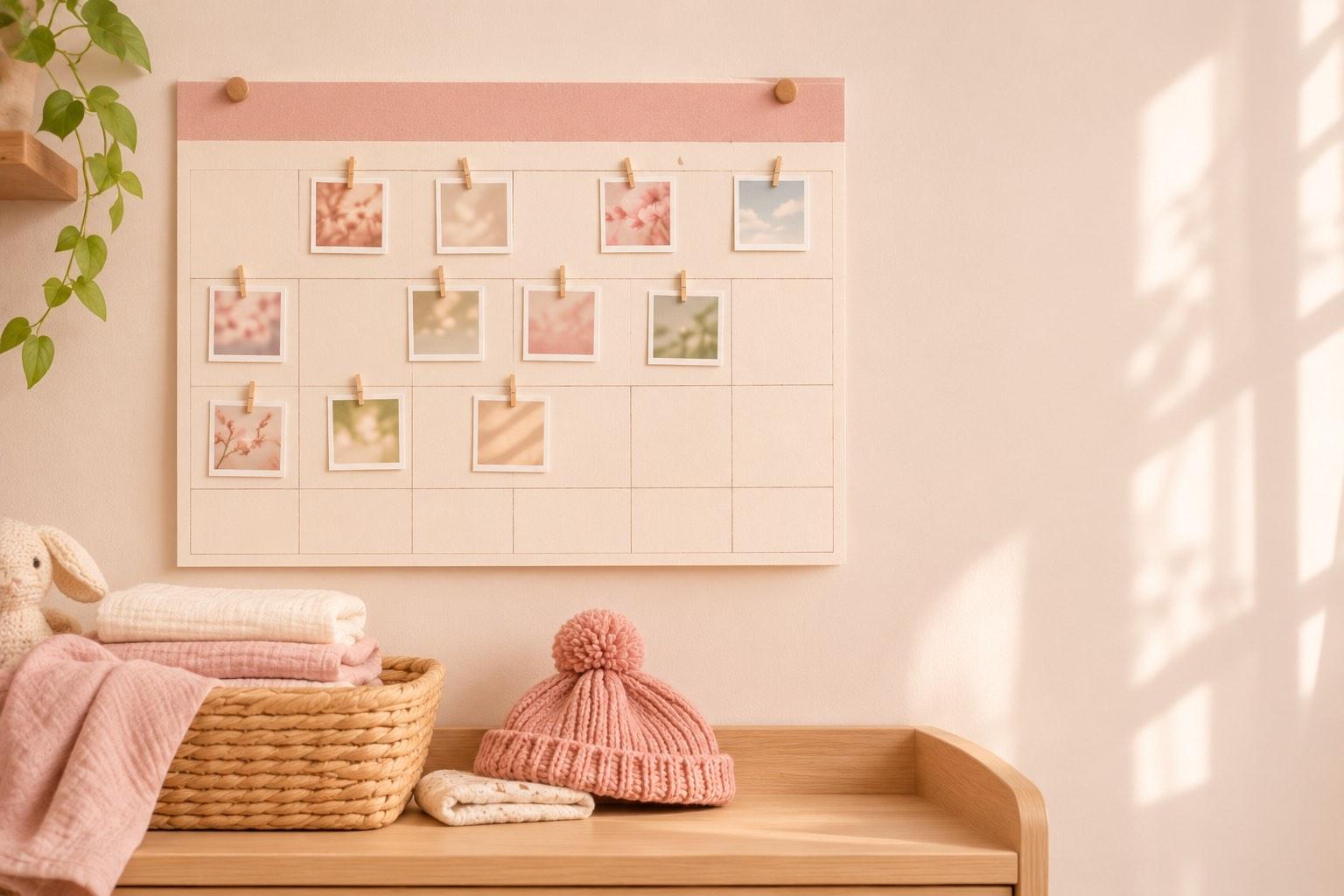
How to take one baby photo a day
- 1Pick an anchor. Attach the photo to a daily routine that already happens, such as the morning change or the bath.
- 2Use one spot. Keep the changing mat, a blanket or the cot as the backdrop so the days look like a set.
- 3Take three frames. Shoot a short burst and keep the best one. Do not spend more than a minute.
- 4Write one line. Add a few words about the day while you still remember it.
- 5Catch up, don't restart. If you miss days, fill them from photos you took anyway rather than starting the year over.
Why a daily baby photo is worth the trouble
Monthly photos show the big jumps. Daily ones show the in-between: the week the hair came in, the morning the cheeks suddenly filled out, the day they first held their head up for the camera. Scroll through thirty of them and you see the baby change in a way twelve monthly shots cannot show.
They also catch what a milestone photo misses. A monthly shot is staged. The daily one is whatever happened on a Tuesday, which is the stuff you forget first.
Making one photo a day a habit
Willpower lasts about a fortnight with a newborn. A trigger lasts longer. Choose something you do every day at roughly the same time and take the photo straight after it. The first change after the morning feed works for many parents because the baby is awake, fed and already lying down.
Keep the setup tiny. One spot, natural light if you can get it, and the phone held in the same way. Three frames, keep one, done. If it takes longer than a minute you will skip it on the bad days, and the bad days are most days at six weeks.
A reminder helps for the first month, until the routine sticks. Set it for an hour after the time you usually take the photo, so it nags you only when you have actually forgotten.
What to do about missed days
You will miss days. Illness, visitors, the week everyone had a cold. Leave the gap for now and fill it when you can. On most missed days you took some photo of the baby anyway, so scroll the camera roll for that date and use it.
If there truly is no photo, write a line instead. "Grandma visited, nobody slept" fills the day as well as a picture would, and in a year it will be the more interesting entry.
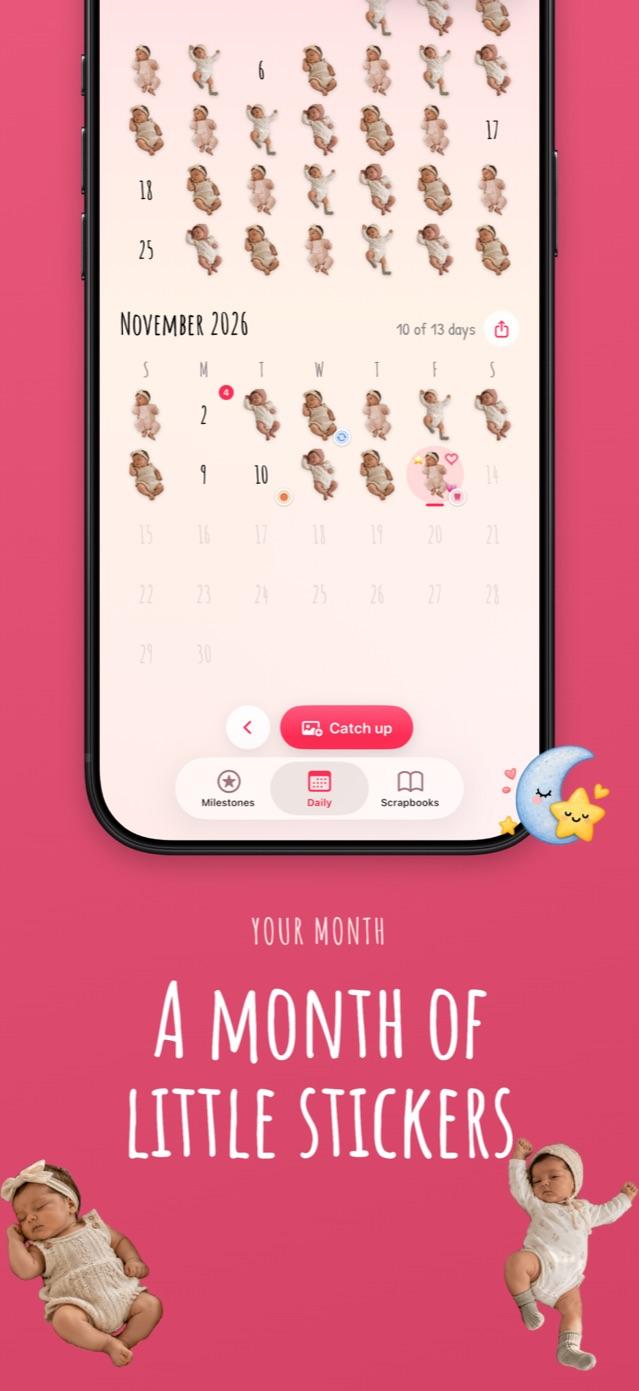
Where to keep a year of daily baby photos
A shared album in the Photos app works, but 365 shots mixed in with everything else get buried fast. You want the daily photos in one place, sorted by date, with something showing which days are done.
Little has a Daily tab for exactly this. Snap today's photo in one tap, or pick it from your library, and it lands on the day it was taken. The photo turns into a little sticker of your baby on the month's calendar, so you can see the month fill up. You can draw on the photo, add stickers and answer "What stood out today?" in a line.
When the month is done, share a single day or the whole month as a story. A Daily photos widget puts the current month on your Home Screen, and an optional gentle reminder covers the days the routine slips.
One photo a day, one tap
Little's Daily tab turns each photo into a sticker on your baby's calendar, and everything stays on your iPhone. Free on the App Store for iPhone and iPad, with a 3-day free trial of Little Pro.

Turning daily photos into something to look at
Pick one photo a week for a 52-photo grid at the end of the year. Or make a flipbook-style video of the whole month. Thirty days at a few frames per second runs well under a minute, which is about as long as anyone else will watch.
Keep the monthly milestone photo going alongside the daily one. The daily set is the diary; the monthly set is the record you will print.
Questions parents ask
What time of day should I take a daily baby photo?
Whenever the baby is reliably awake and calm, usually after the first morning feed. Daylight from a window looks better than evening lamps, but a consistent time matters more than perfect light.
Should I start a photo a day from birth?
Start whenever you think of it. A daily project that begins at week six is still 300-odd days of photos, and the first weeks are already covered by the hundreds of photos everyone takes anyway.
Free tools for this
- Photo a day video makerTurn your baby's daily photos into a short flip-through video with day numbers. Made in your browser, nothing uploaded, ready for Instagram. Free.
- Baby age in days calculatorEnter a birth date to see your baby's age in days, plus the date they turn 100 days old, their half birthday, 500 days and 1,000 days. Free.
Read next
- Newborn weekly photo ideas for weeks 1 to 12
- Baby firsts list: what to record in the first year
- How to add a baby photo widget to your iPhone Home Screen
Setting up the shot is the hard part. The AI prompt library builds the whole scene from a photo you already have, and the background library covers the ones you would rather shoot yourself. The baby milestone calendar tells you which day every weekly and monthly photo falls on.